AYON 1.12.1 - List Folders and Tags
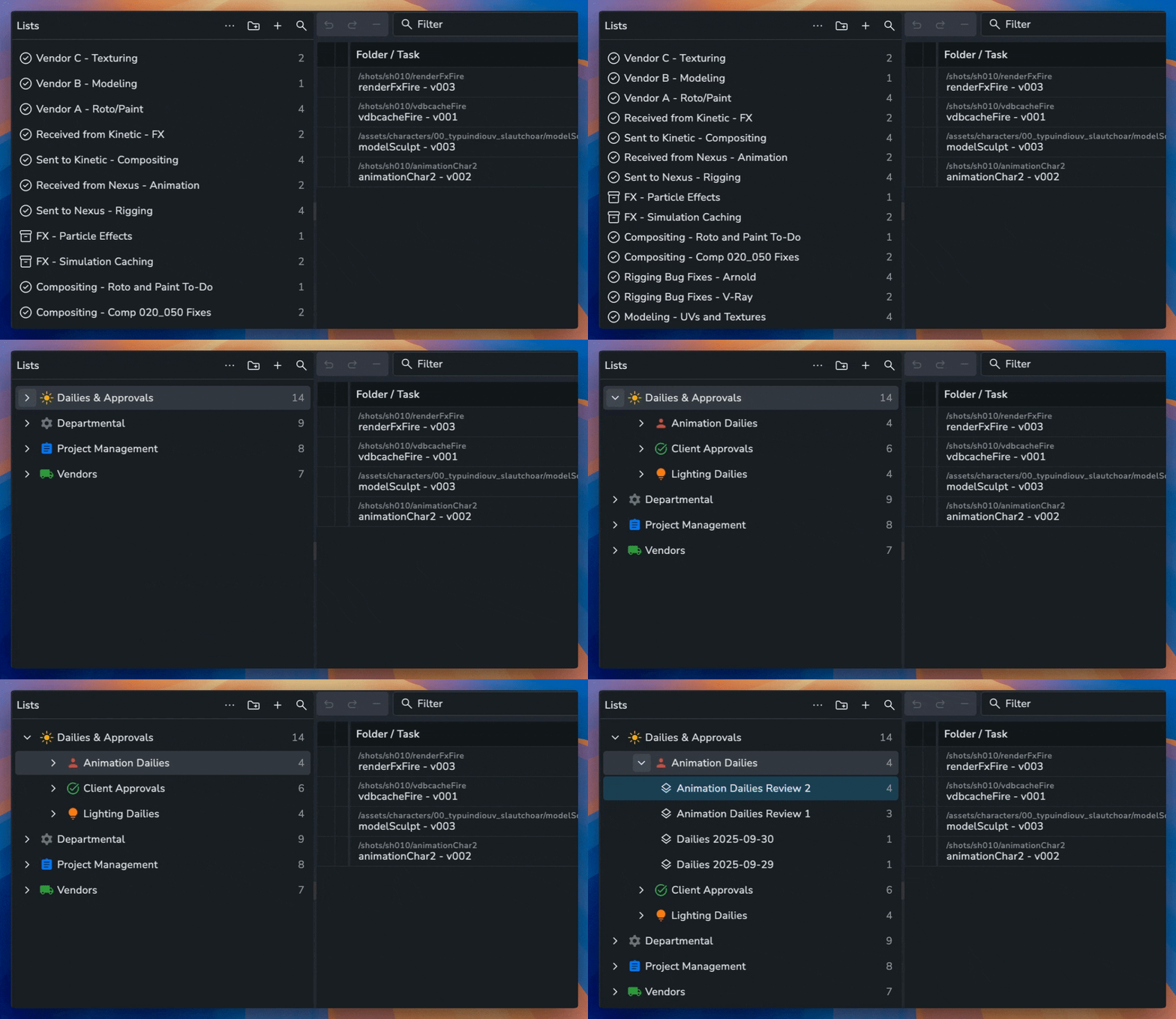
📂 List Folders and Tags
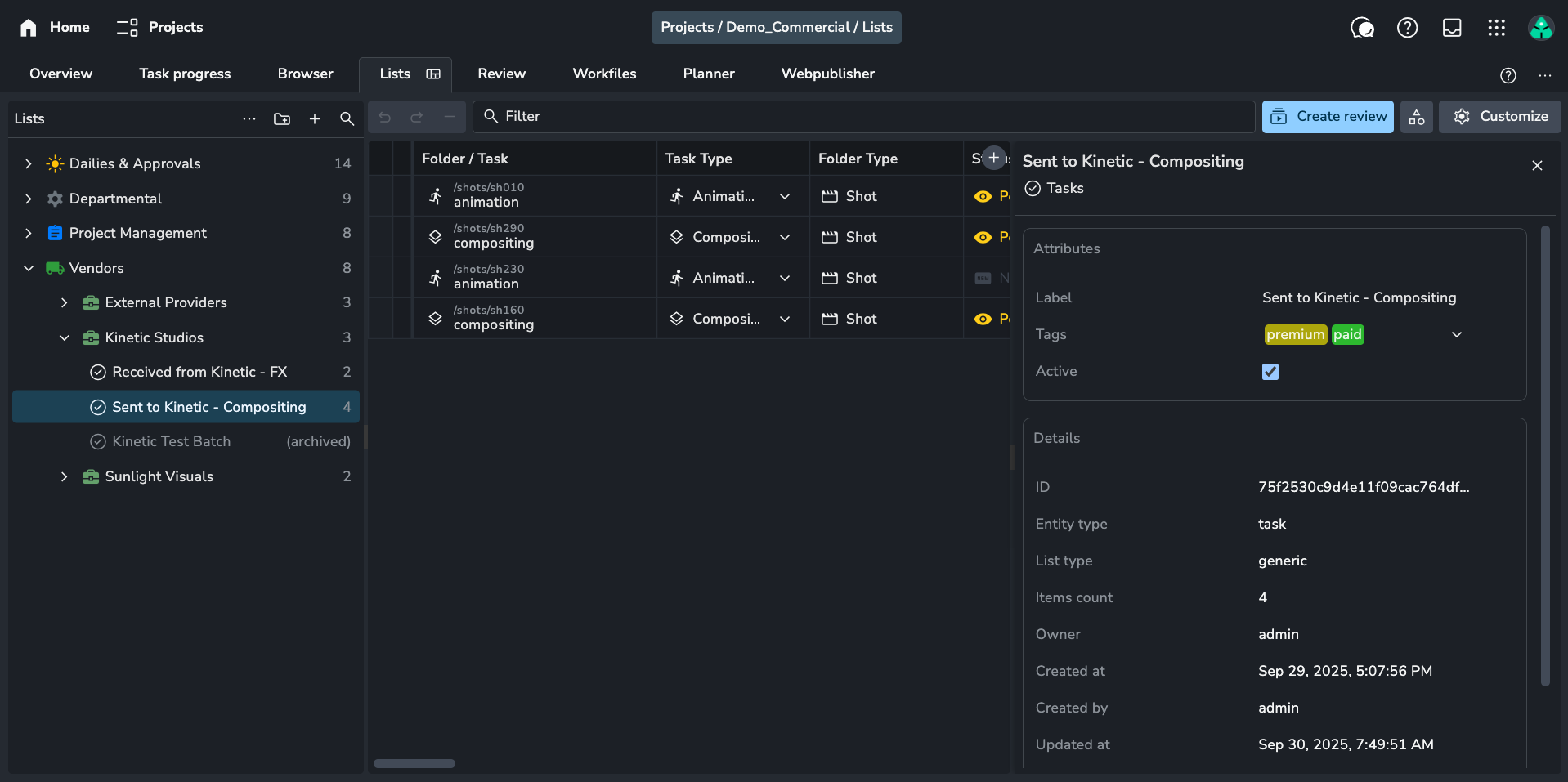
Keep your workspace tidy by organizing your Lists into folders and subfolders. Customize your folders with icons and colors, view list details at a glance, add tags, and archive lists when they're no longer active. Read more here.
⚡️ Access to the List Folders feature requires a Pro or Studio subscription.
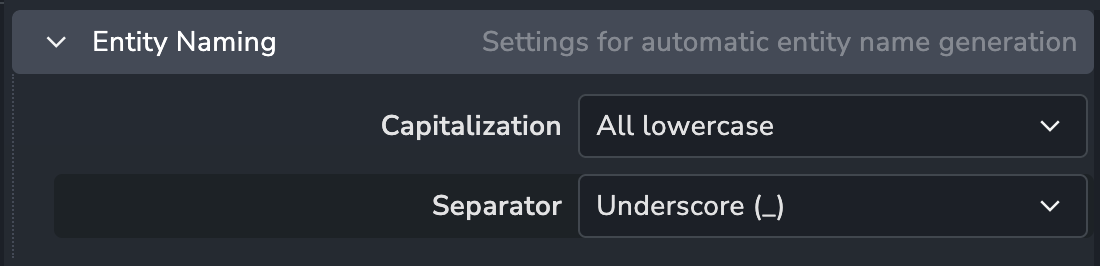
⚙️ Auto Name Generation Configuration
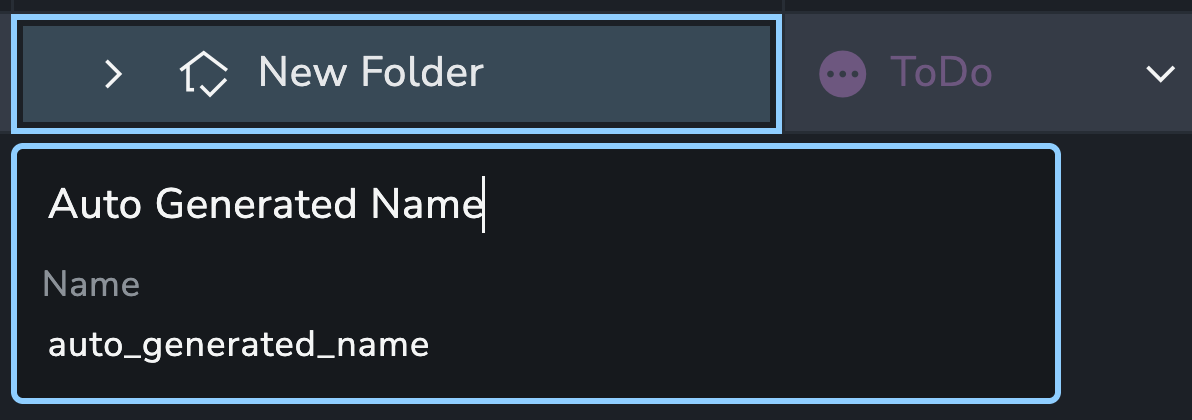
You can now configure how the name of a folder or task is generated when you set its label. By default, the label is converted to lowercase with spaces replaced by underscores, but you can choose from other combinations, like uppercasing the first letter of each word with spaces replaced by dashes, dots, or nothing at all. This new configuration is available in the Project Anatomy settings.
📦 Per-Project Bundles (experimental)
You can now assign unique addon bundles to individual projects, overriding the studio's default settings. This allows you to tailor addon versions on a per-project basis, offering greater flexibility and control over your pipelines. Read more here.
❤️ Other Improvements
🛠️ Fixes
Links loading updating fixes #1522
Project Access: Improve page performance #1520
Projects: Show archived toggle
Text editor: code bock should use monotype font #1531
Task Progress: Expanded selected folders glitch #1537
Task Progress: Folder status icon does not show #1535
📚 Resources
Note: Ynput cloud hosted instances have automatic, scheduled updates. Self-hosted servers require you to update yourself How to Update Your AYON Server.